Installation
The AFOLU tool is distributed as a LEAP sample model. To install the AFOLU tool in LEAP:
- Download the AFOLU_v[# CURRENT VERSION].leap file from GitHub.
- Install the tool in your LEAP software, by navigating to the Downloads folder (or wherever you saved the AFOLU.leap file) and double clicking on the downloaded .leap-file. Alternatively, you can also open the model from the LEAP-interface under “Area>Install from File..”
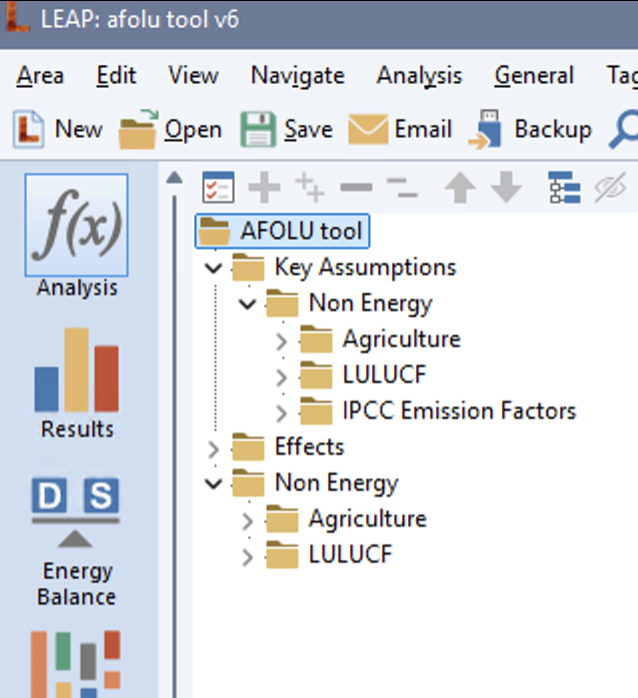
This will open the default AFOLU tool in LEAP. The AFOLU consists of a non-energy LEAP-model for a hypothetical country with a dry climate, with the following branch structure:
AFOLU tool
- Key assumptions
- Non Energy
- Agriculture
- LULUCF
- IPCC Emission Factors
- Non Energy
- Non Energy
- Agriculture
- LULUCF
Specifically, it will look like this:
You are now ready to adapt the model to your national or regional context.